Interface Overview
Learn the key elements of the Tailrmade interface.
Workspace Layout
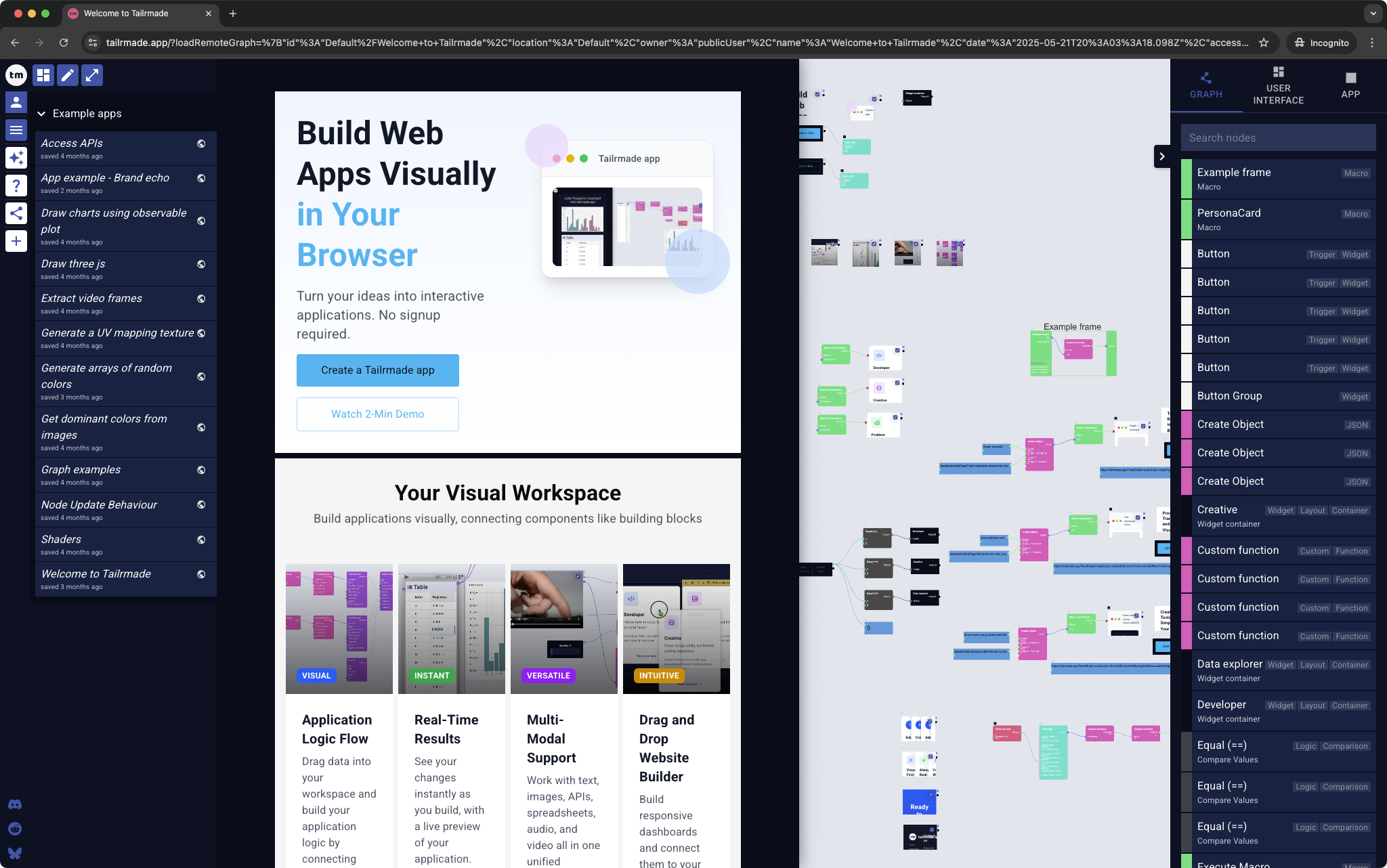
The Tailrmade interface consists of these main areas:
- Left side bar/menu (Press
1) - User interface/User interface editor (Press
2) - How to build user interfaces - Canvas area (main working area) - How to use the canvas
- Inspector (Press
3) - How to use the inspector
Compact view
Below 900px wide (a phone, or a desktop window narrowed that far) the left side bar and the side panels are replaced by a bottom navigation bar, which shows one section at a time:
- Apps - the apps list
- UI - the app's user interface
- Graph - the canvas, for reading - How to use the canvas
- AI - the AI assistant, once you are signed in
- Share and More - the share menu and the app menu
Left side bar/menu
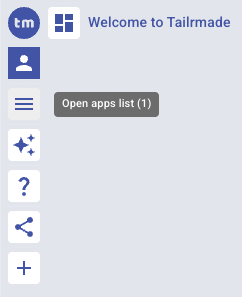
The left side bar provides access:
- Show/Hide the left side bar
- Login or view your account
- Open the apps list to manage your apps
- Open the AI assistant
- Access the documentation
- Share your app
- Create a new app
To open the apps list
- Press
1to show/hide the apps list - OR click the apps list icon in the top left corner